


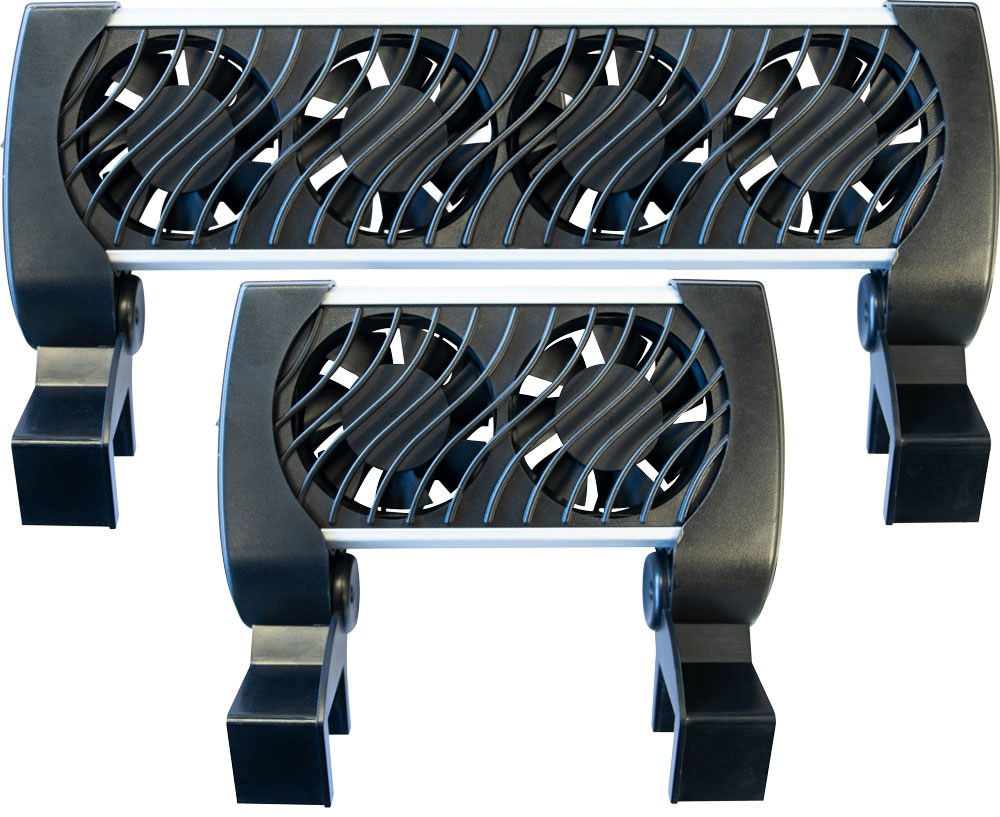
Cooling Fan 100 - 200
User manual
Function
The Blue Marine Cooling Fan will cool down the temperature of the aquarium water by 2 to 4°C. The constant air flow cools down the aquarium water through evaporation.
Installation
A
Attach the Cooling Fan with the clamps to the aquarium edge above the aquarium and tighten securely (max. glass thickness 25 mm).
Connect the cable of the adapter to the device and put the plug in the socket.
A
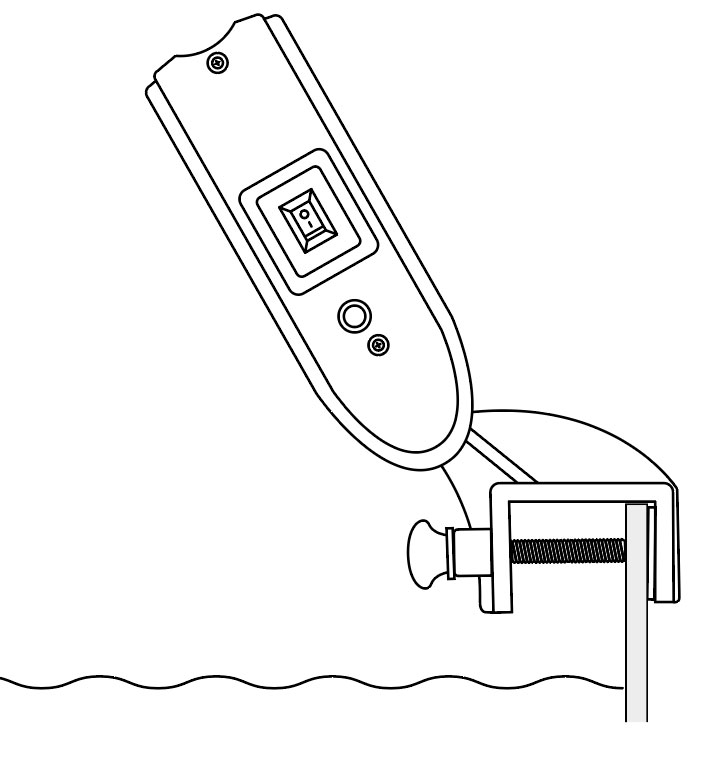
Installation
A
A
Attach the Cooling Fan with the clamps to the aquarium edge above the aquarium and tighten securely (max. glass thickness 25 mm).
Connect the cable of the adapter to the device and put the plug in the socket.
B
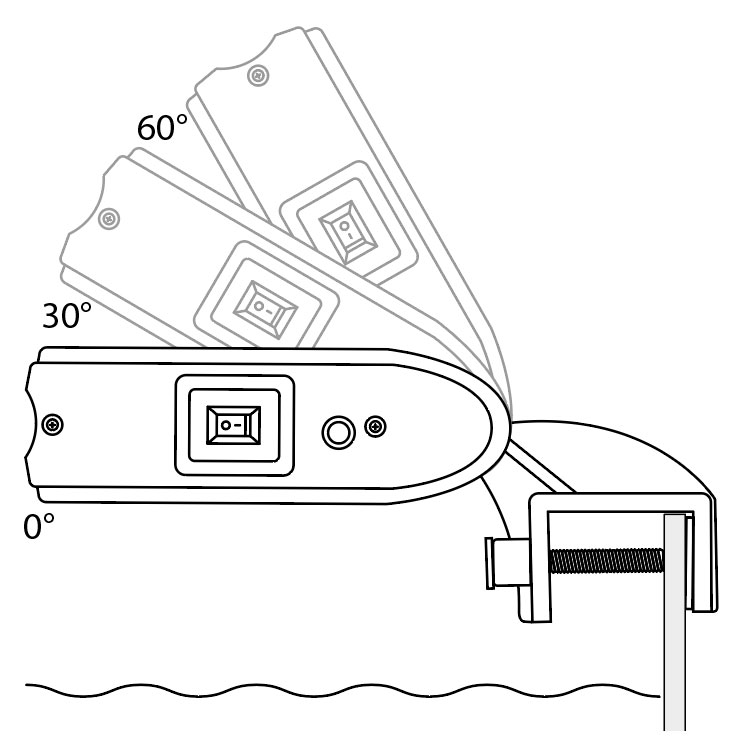
The Cooling Fan can be tilted (0°, 30° and 60°).
B
B
B
The Cooling Fan can be tilted (0°, 30° and 60°).
Maintenance
Regularly check the Cooling Fan for salt deposits.

Switch off the device and remove the plug from the socket before carrying out maintenance!
Remove any salt residues and clean the unit with a damp cloth. This will prolong the service life and operation of the Cooling Fan.
| Cooling Fan | 100 | 200 |
|---|---|---|
| Fans | 2 | 4 |
| Voltage | DC 12 Volt | DC 12 Volt |
| Power | 5,5 Watt | 11 Watt |
| Tank size | 50-100L | 100-200L |
| Glass thicknes | Max. 25 mm | Max. 25 mm |
| Temperature drop | 2˚C - 4˚C | 2˚C - 4˚C |
| Cable length | 2,25 m | 2,25 m |