


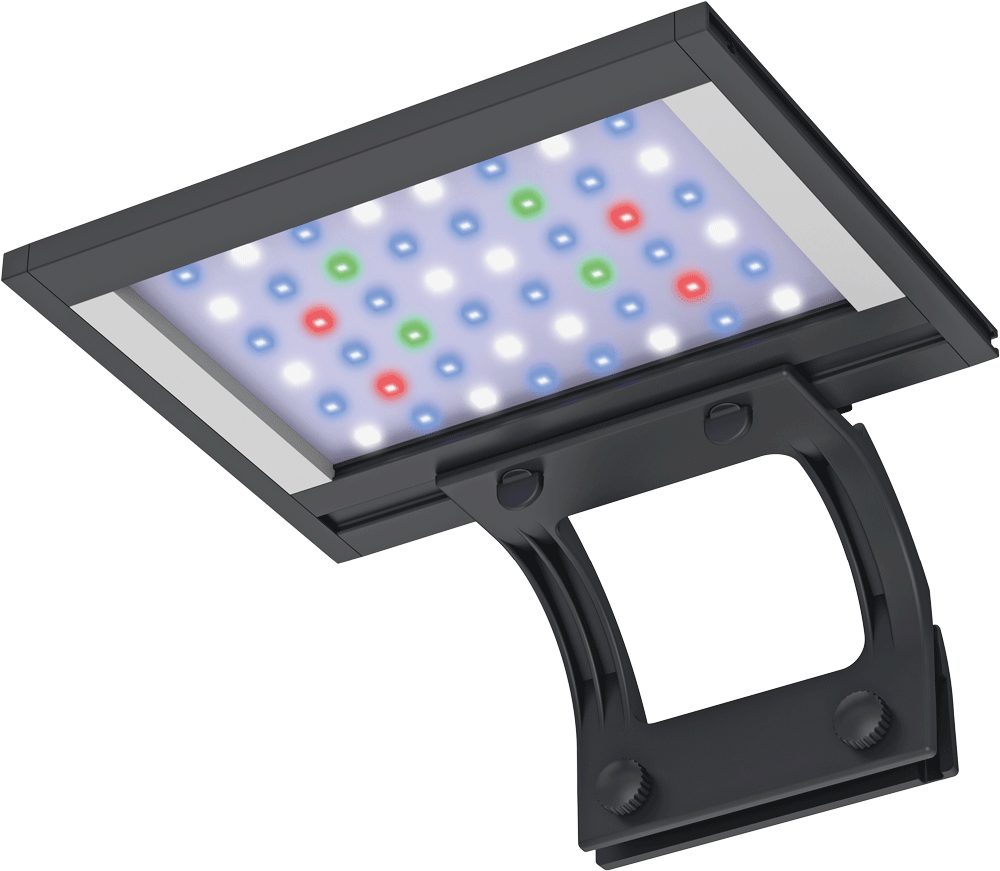
Blue Marine Reef LED 20 Watt
User manual
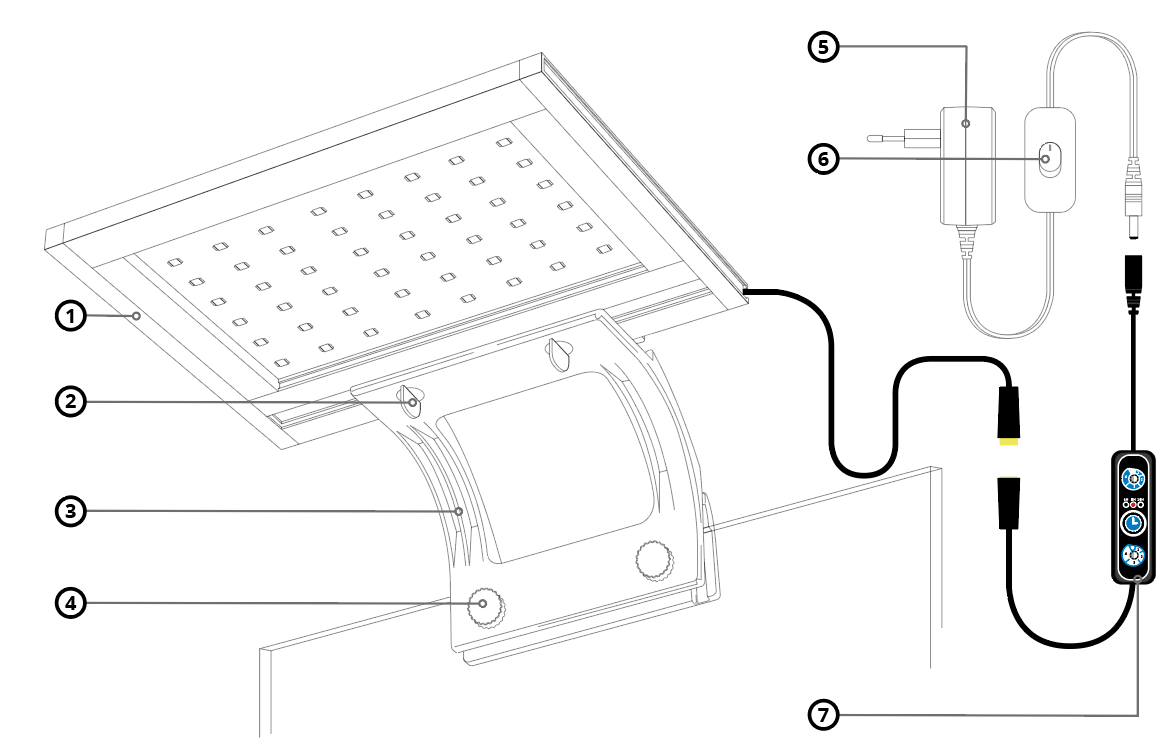
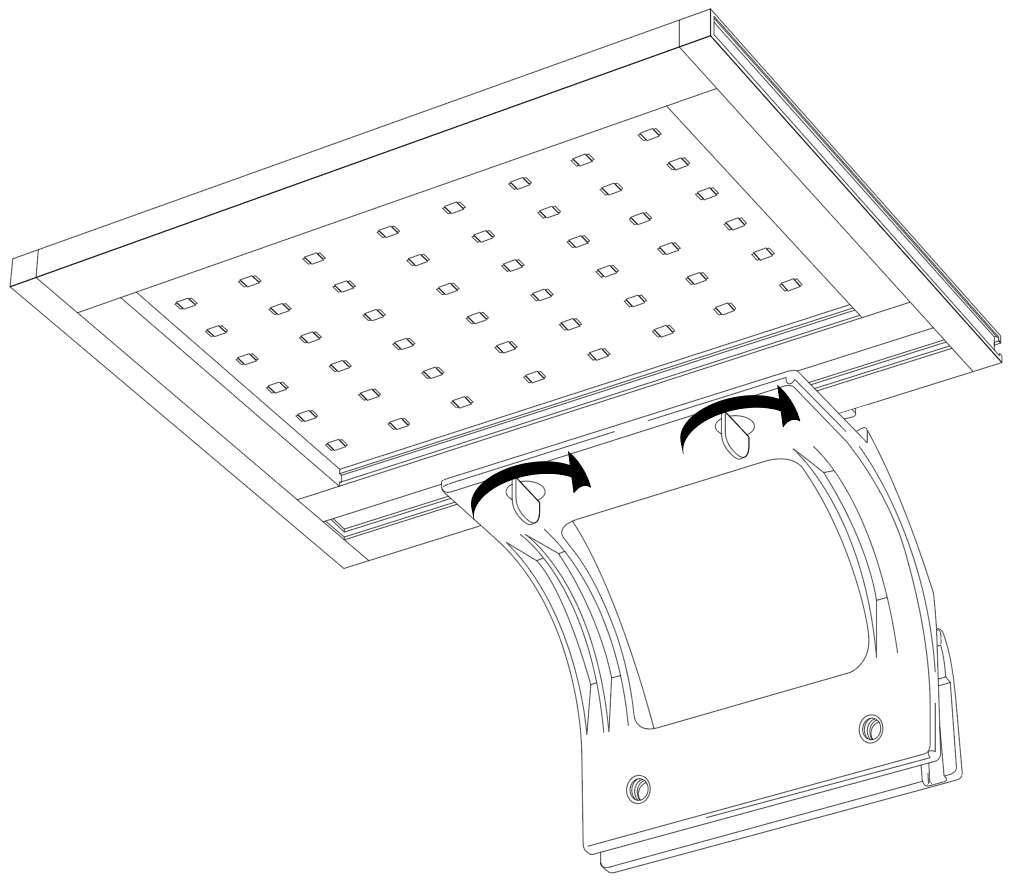
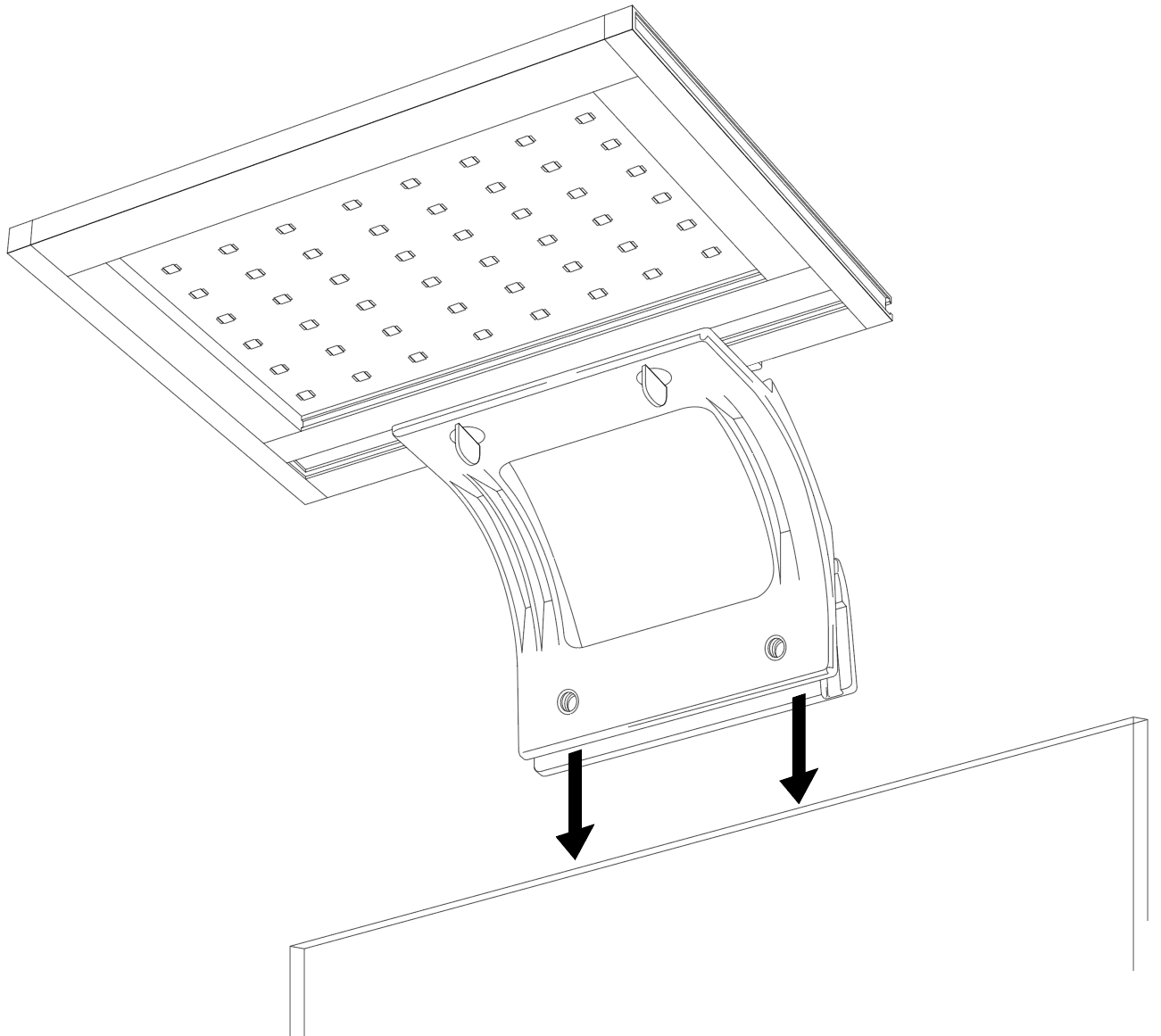
- LED housing
- LED housing mounting clips
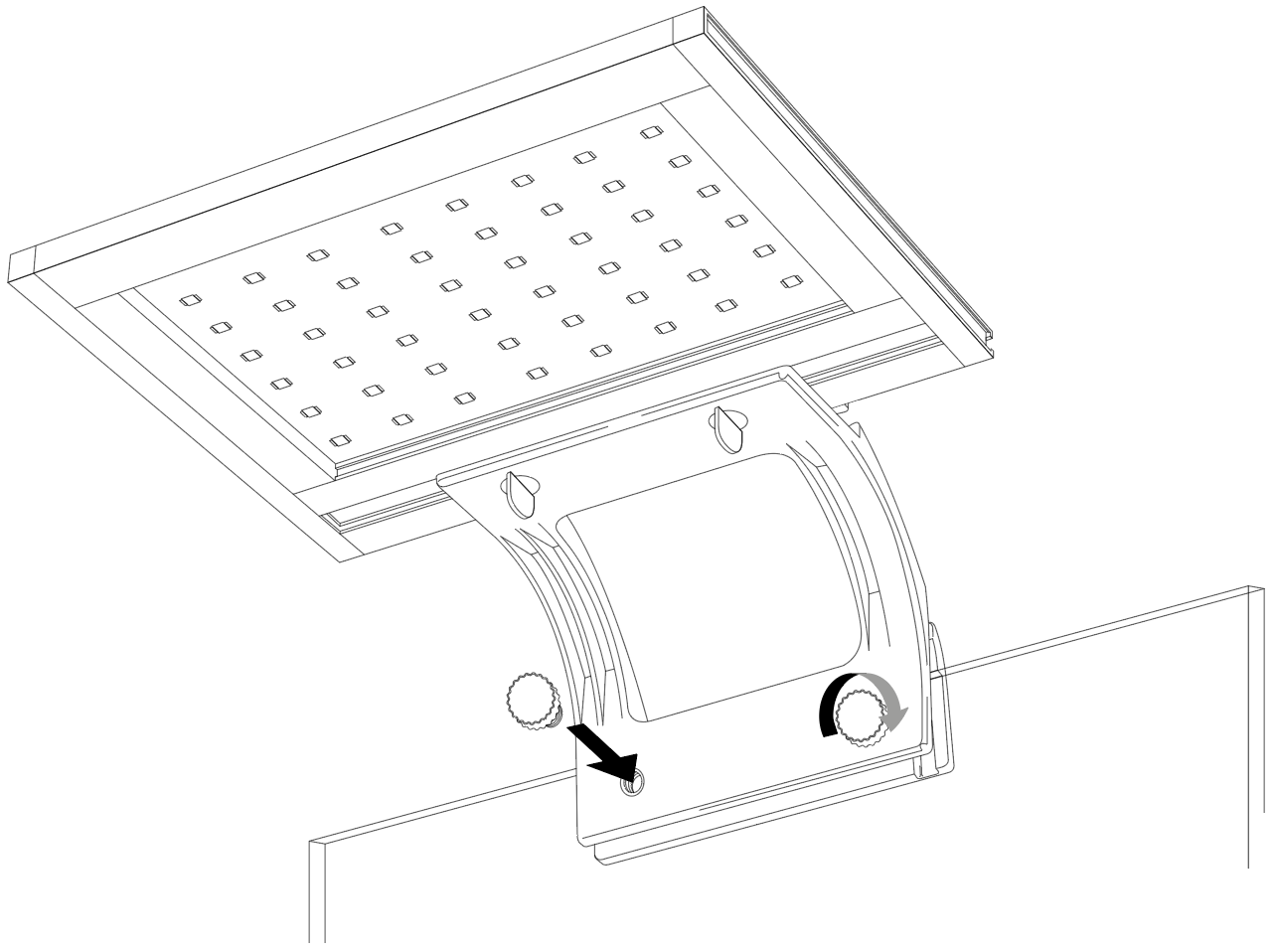
- Holder
- Holder mounting screws
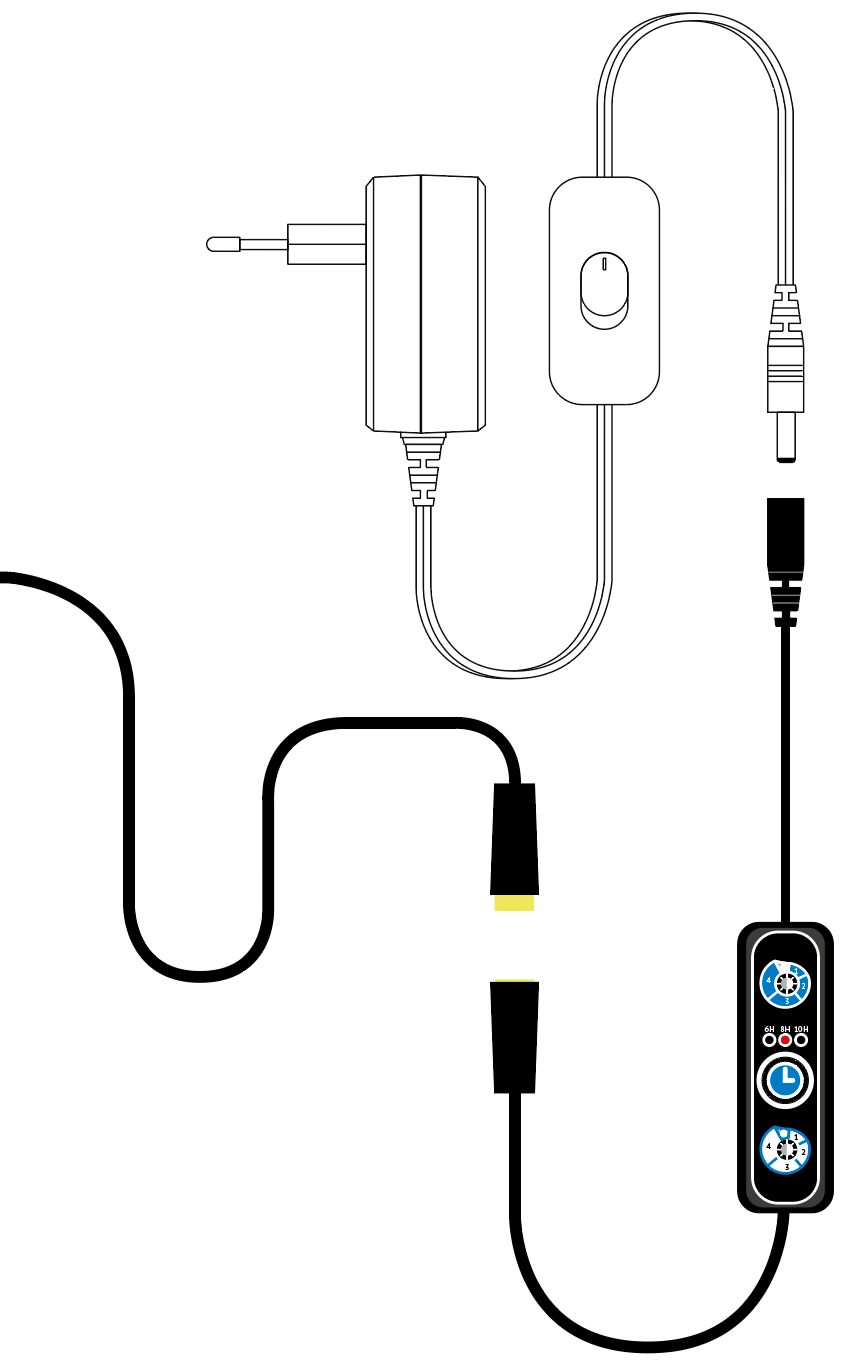
- Plug
- On/off button
- Controller
Controller
- Dimmer knob for channel 1*
- Time duration indicator lights
- Timer
- Dimmer knob for channel 2**
* Channel 1: 30 blue LEDs (470 nm)
* * Channel 2: 10 white, 4 red and 4 green LEDs
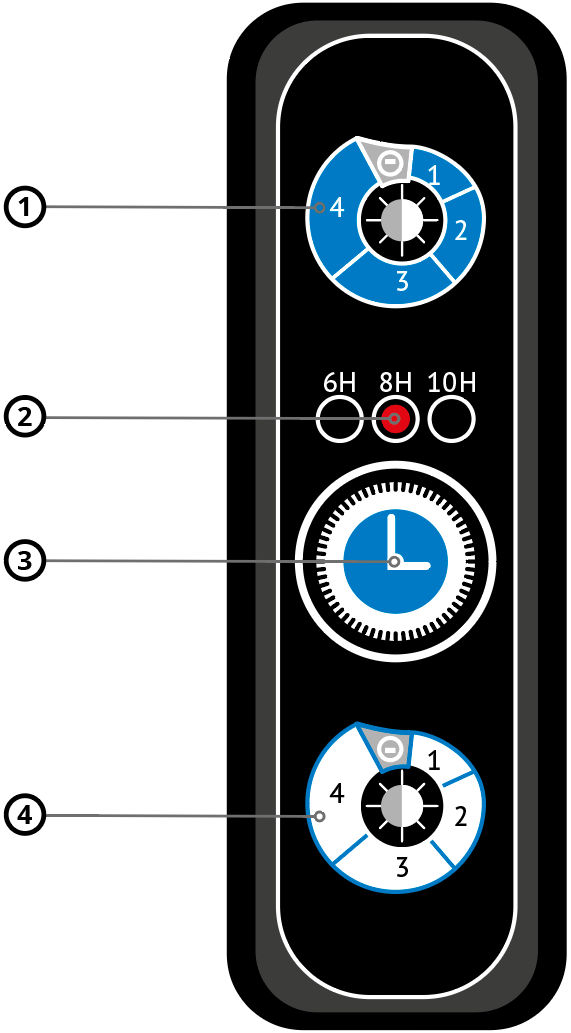
Controller
- Dimmer knob for channel 1*
- Time duration indicator lights
- Timer
- Dimmer knob for channel 2**
* Channel 1: 30 blue LEDs (470 nm)
* * Channel 2: 10 white, 4 red and 4 green LEDs
Operation Channel 1
Press once for channel 1 at full strength.
Press twice, three times, or four times for gradual dimming. Press five times to turn off channel 1.
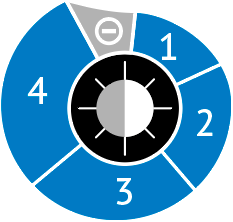
Operation Channel 1
Press once for channel 1 at full strength.
Press twice, three times, or four times for gradual dimming. Press five times to turn off channel 1.
Operation Channel 2
Press once for channel 2 at full strength.
Press twice, three times, or four times for gradual dimming. Press five times to turn off channel 2.
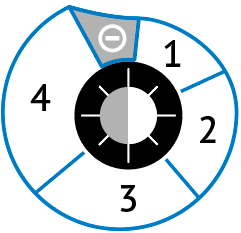
Operation Channel 2
Press once for channel 2 at full strength.
Press twice, three times, or four times for gradual dimming. Press five times to turn off channel 2.
Timer 6H
Press once to turn on the light for 6 hours (in 24 hours).
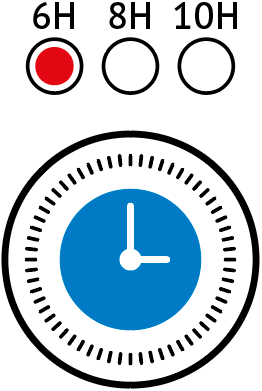
Timer 6H
Press once to turn on the light for 6 hours (in 24 hours).
Timer 8H
Press once to turn on the light for 8 hours (in 24 hours).
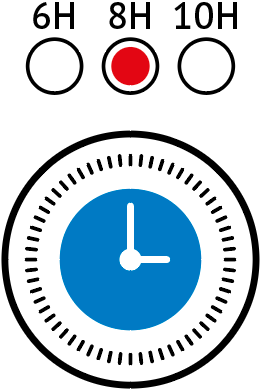
Timer 8H
Press once to turn on the light for 8 hours (in 24 hours).
Timer 10H
Press once to turn on the light for 10 hours (in 24 hours).
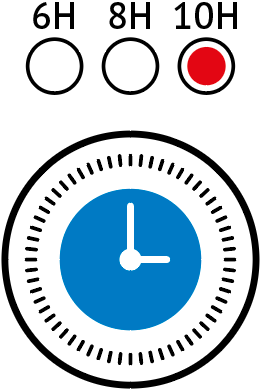
Timer 10H
Press once to turn on the light for 10 hours (in 24 hours).
Timer 24H
Press 4 times to turn the lamp on continuously.
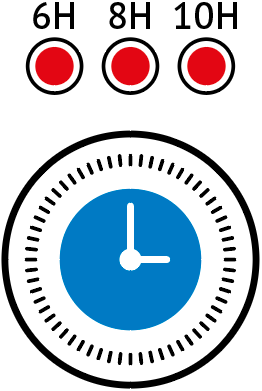
Timer 24H
Press 4 times to turn the lamp on continuously.
Maintenance
- Regular cleaning with a damp cloth will ensure a longer service life and better light output.
- The LED lamp has a minimum service life of 30,000 burning hours.
- The LED lamps cannot be replaced. If the LED lamps stop working, the entire unit must be replaced.